
Touchscreen control01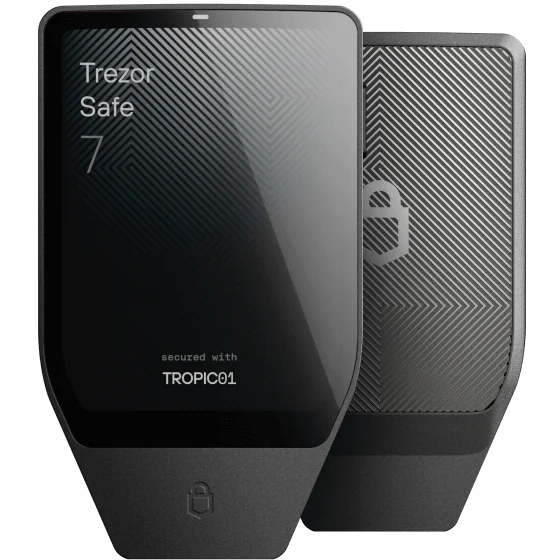
Bluetooth
TREZOR
Trezor Safe 7
A dedicated touchscreen and Bluetooth connection, with mobile setup documented for both phone platforms.
On iPhone, USB-C supplies power only. Pair through Bluetooth in Trezor Suite.
SELF-CUSTODY, ON YOUR TERMS
Find a hardware wallet that fits your phone.
Understand the trade-offs. Make your own call.
Your phone is the starting point.
Choose how you want to connect, then look closer at the details that matter.
3 options to explore
TREZOR
A dedicated touchscreen and Bluetooth connection, with mobile setup documented for both phone platforms.
On iPhone, USB-C supplies power only. Pair through Bluetooth in Trezor Suite.
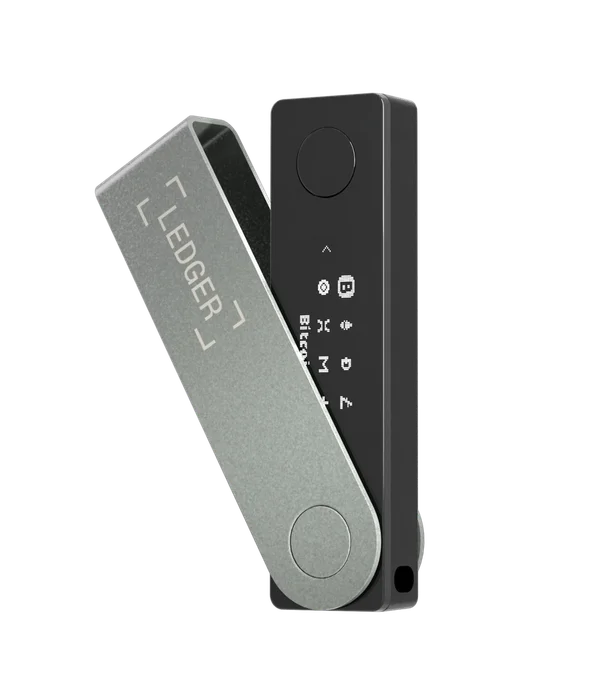
LEDGER
A compact device with physical buttons. Works with iPhone over Bluetooth and Android over Bluetooth or USB.
Bluetooth OS updates require Ledger OS 2.4.1 or later. Older devices need a wired desktop or Android update first.
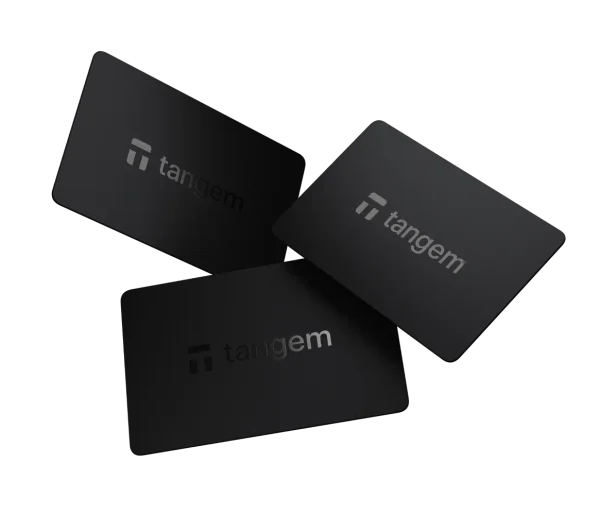
TANGEM
NFC cards powered by your phone. No battery to charge; transaction details are reviewed on the phone screen.
Full NFC support is required. Some phones can scan a card but cannot create backups. Check your exact model.
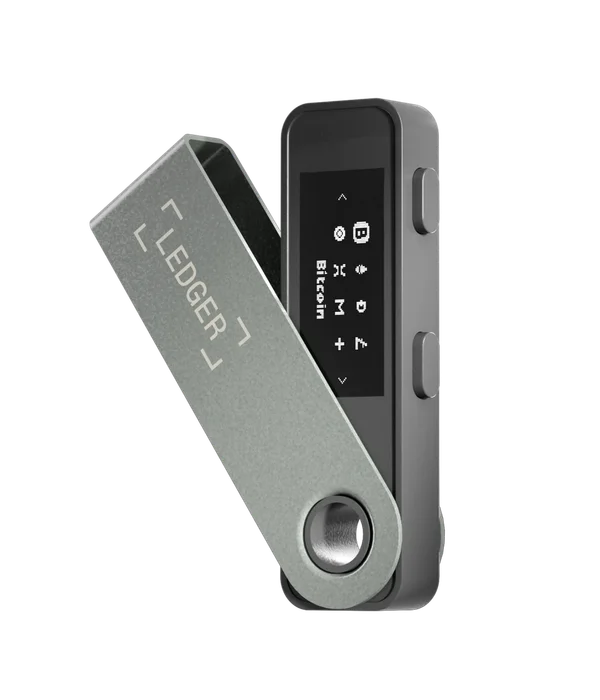
LEDGER
A USB-powered option for Android. It does not support iPhone, even when the iPhone has a USB-C port.
Android only for mobile use. Check that your phone and cable support USB data, not just charging.
None of these wallets supports the selected phone and connection together. Try another connection.
A match is a starting point. Check your exact phone, firmware and supported coins.
How we research02 / LOOK AT THE WHOLE JOURNEY
A useful comparison follows the wallet beyond day one. These are the four moments we look at.
Your phone-only checklistCan you initialise the device and make your backup with the phone you already own?
Setup & backupCan you review and approve a transaction? Viewing a balance is a different capability.
Transaction signingWill firmware updates work over your chosen connection, including from an older version?
Firmware & app updatesIf a device is lost, what backup, replacement hardware and phone access would you need?
Backup dependenciesConnection support is only one part of the picture. Here’s what the manufacturer documentation tells us.
| The essentials | Trezor Safe 7 ↗ | Ledger Nano X ↗ | Tangem Wallet ↗ | Ledger Nano S Plus ↗ |
|---|---|---|---|---|
| iPhone connection | Bluetooth | Bluetooth | NFC | Not supported |
| Android connection | Bluetooth / USB-C | Bluetooth / USB-C | NFC | USB-C |
| Review on | Dedicated colour touchscreen | Dedicated monochrome display | Phone screen only | Dedicated monochrome display |
| The update detail | Mobile firmware installation documented in Trezor Suite. | Bluetooth: Ledger OS 2.4.1+. Older OS: wired desktop or Android required. | Card firmware is fixed and cannot be updated. The phone app is updated separately. | Wired connection required. Confirm the current Android update instructions before purchase. |
| Read the source | Manufacturer docs | Manufacturer docs | Manufacturer docs | Manufacturer docs |
Documented compatibility, not hands-on testing or a security ranking. Recovery and exact phone requirements need a separate check. Read our method.
Short reads for the decisions
that deserve a second look.
The connection detail that can change your entire shortlist.
Why firmware updates belong on your buying checklist.
A practical checklist for a genuinely phone-first setup.
THE BEDROCK APPROACH
We link the sources, explain the conditions and leave room for what we haven’t verified. So you can make a choice with your eyes open.
Meet the method